How to Redeem Cameraman Tower Defense Codes (2026)
Win 3 matches, open Lobby Shop, scroll to Codes, paste case-sensitive text, Redeem. CTD Tips steps plus fixes when codes fail.
FAQ
Where is the Codes button in Cameraman Tower Defense?
Do I need wins before redeeming?
Why does my code say invalid or expired?
Did CTD Tips test these steps in-game?
How do you redeem codes in Cameraman Tower Defense?
Win at least three matches, return to the Lobby, press Shop on the left rail, scroll the Shop window to Codes, type the code exactly (capital letters matter), and tap Redeem. Pro Game Guides and Destructoid (October 2026) both describe that flow. CTD Tips has not personally redeemed codes on this account—we are aligning text guides with public footage of the Lobby and Shop shell.
Always launch Cameraman Tower Defense on Roblox (Place ID 132929771812494) so codes apply to Aligators Games’ build, not a name-alike experience.
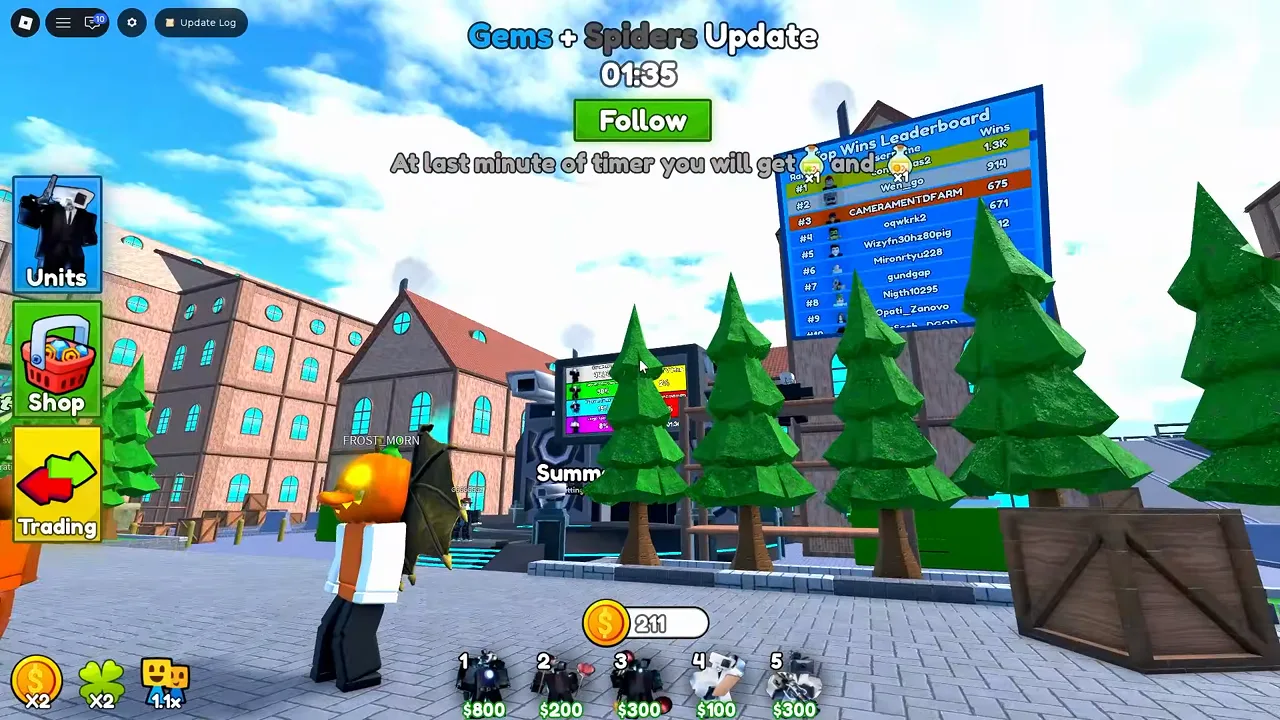
What does the Lobby look like before you open Shop?
The courtyard shows Units, Shop, and Trading on the left, a coin total at the bottom, and optional Quests once you have enough wins. That layout is where you start every redemption trip.
Screenshot source: MeddysonTD on YouTube (https://www.youtube.com/watch?v=Sv4SgTBFMWU&t=10s).
What are the step-by-step redeem instructions?
- Play real matches until you have three wins. Both PGG and Destructoid list this prerequisite; other sites sometimes skip it.
- Return to the Lobby (use the post-match Lobby button or rejoin the experience).
- Click Shop on the left side—not the Roblox top-bar purchase menu.
- Scroll past crates, packs, and gamepasses until you reach Codes.
- Type the code with exact capitalization (examples:
Engineer,NewMaps). - Press Redeem and check your Coin total at the bottom of the screen.
For the strings outlets still argue about, see our all codes list (October 2026) before you paste anything.
Why does our guide not show the Codes text box?
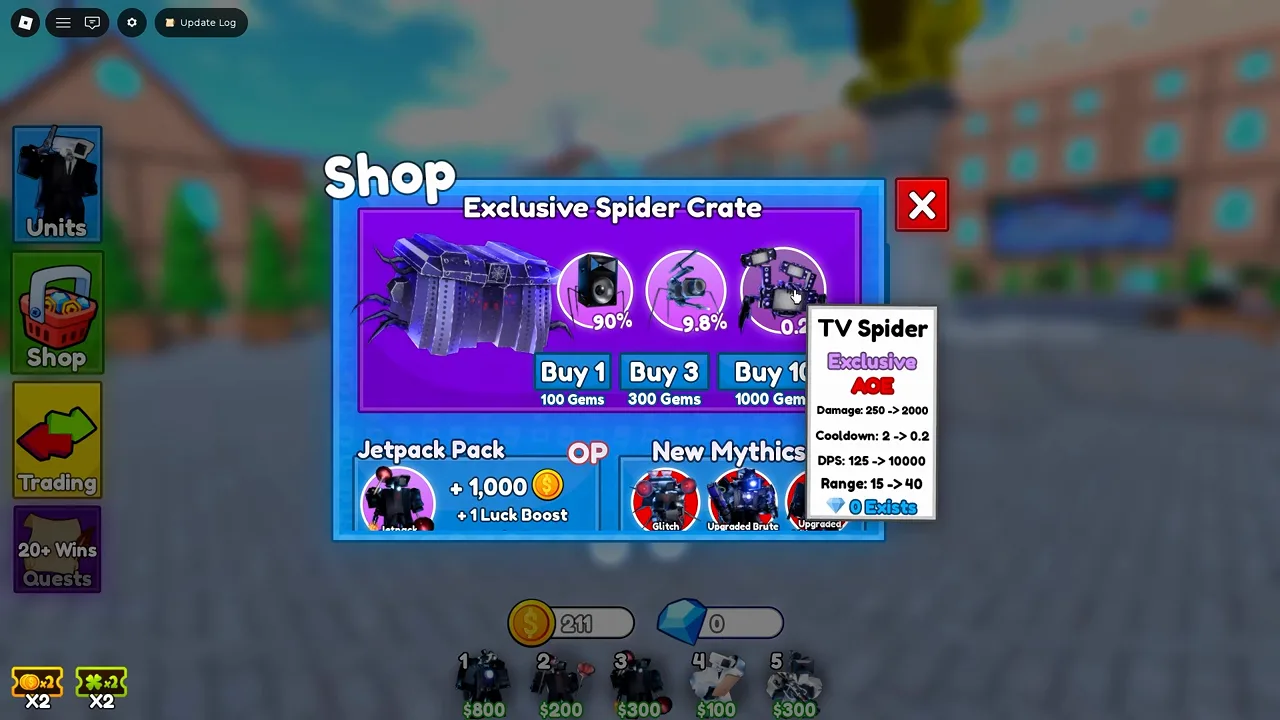
We reviewed multiple YouTube runs (Sv4SgTBFMWU, MKNoYVFalzo, il1YcdcChnY, lfOoiYPMM38) and never got a clean frame of the Codes redeem field—creators scrolled Shop for crates and gamepasses instead. The Shop panel itself is confirmed; the Codes row should still live in that scroll area per PGG/Destructoid, but the exact button art may differ after Update 3.
Screenshot source: MeddysonTD on YouTube (https://www.youtube.com/watch?v=Sv4SgTBFMWU&t=70s).
What should you do when a code fails?
| Symptom | Likely fix |
|---|---|
| “Invalid” with a fresh code | Check capitalization and remove spaces; retype instead of paste from social media |
| Nothing happens | Confirm three wins; play another match if your win counter is short |
| Worked once, fails again | Codes are usually one-time per account |
| Code listed online but fails in-game | It may have expired—UPDATE1 / RELEASE are marked dead on PGG and Destructoid |
| Wrong currency message | These codes reward lobby Coins, not in-match cash—see coins and economy |
What else is inside Shop while you scroll?
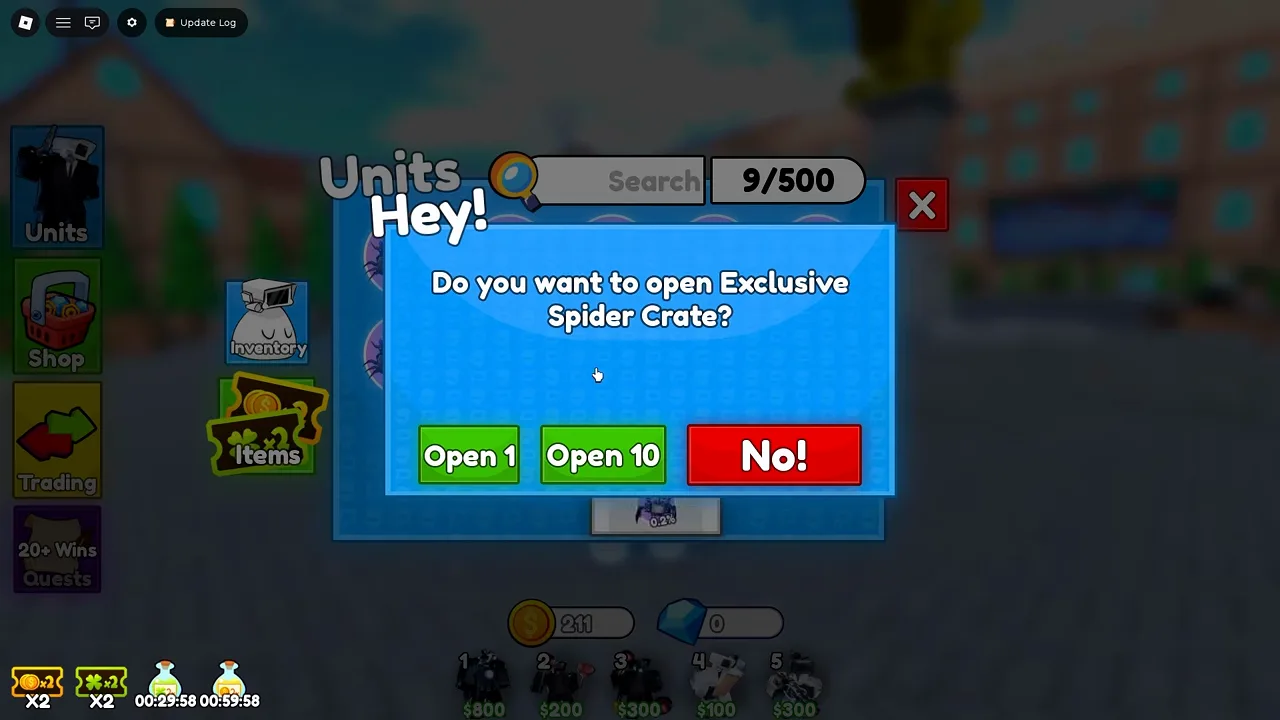
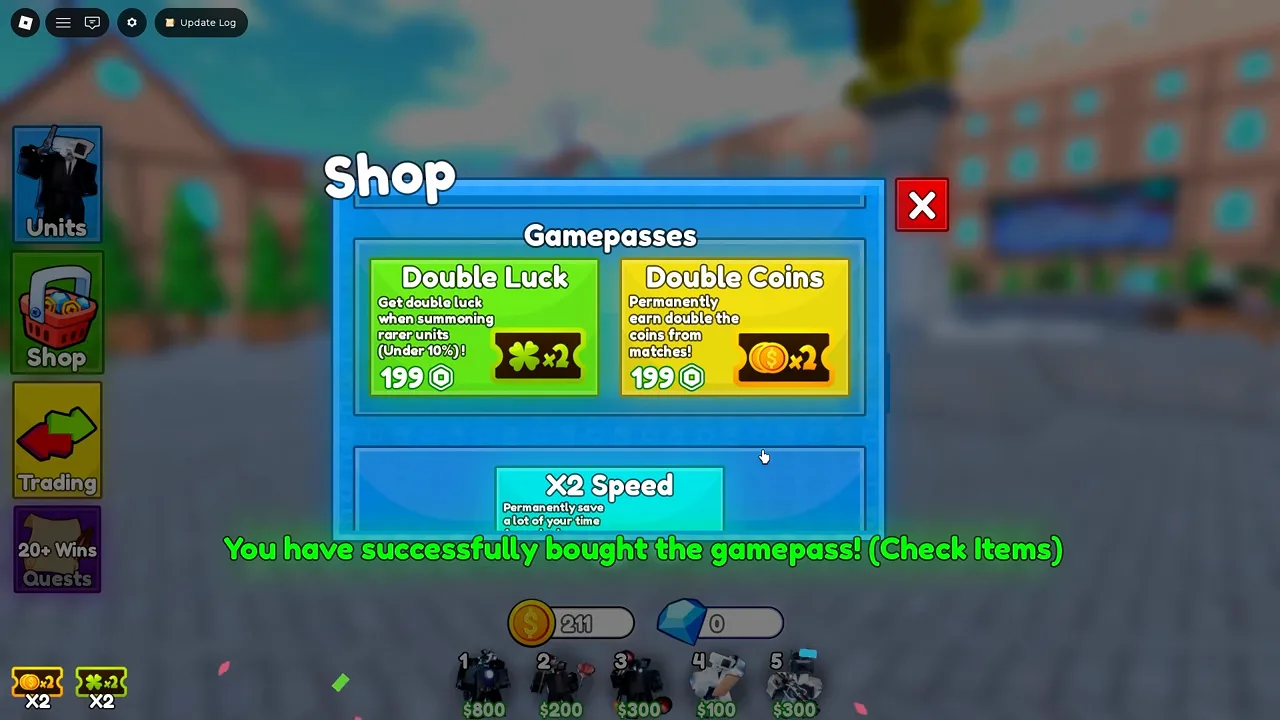
You will pass Exclusive Scientist Crate (Robux), Exclusive Spider Crate (gems in Update 3), Jetpack Pack, and Gamepasses before Codes. Knowing that order helps you recognize you are in the right menu.
Screenshot source: MeddysonTD on YouTube (https://www.youtube.com/watch?v=Sv4SgTBFMWU&t=105s).
Screenshot source: MeddysonTD on YouTube (https://www.youtube.com/watch?v=Sv4SgTBFMWU&t=128s).
After Coins land, spend them deliberately—start with the beginner guide and shop and crates so Robux purchases are optional, not required.
Related Articles
codes
Cameraman Tower Defense Codes (October 2026)
Three codes still reported active for 50 Coins each—plus expired UPDATE1/RELEASE. Reconcile sources and redeem in Shop after 3 wins.
guides
Cameraman Tower Defense Beginner Guide (2026)
Lobby to first win: step on a map pad, vote difficulty, place units from a 5-slot hotbar, and clear waves. CTD Tips beginner loop explained.
guides
Cameraman Tower Defense Coins & Economy Guide
Lobby Coins vs in-match cash, win payouts by difficulty, Scientist donations, and code rewards—Update 3 economy explained.
Was this helpful?
Thanks for the feedback!